

Online learning is no longer just a trend, it’s a powerful global industry.
The digital gold rush of the 2020s has matured into a stable, multi-billion-dollar economy.
The market for online education is expected to reach $370 billion in 2026, and 93% of companies globally intend to use eLearning as a great trick.
But here’s a quick question for you:
Do you create a course… Or do you wish to build a course that sells? The real challenge is not creating a course.
Building, marketing, and selling it successfully? That requires the right software.
For founders, this is no longer just about teaching. It’s a scalable revenue channel.
In this guide, you’ll discover the 7 best online course creation software that help you:
✔ Build professional courses
✔ Manage students easily
✔ Market smarter
✔ Sell with confidence
Ready to choose the right one? Let’s dive in.
What Is Online Course Creation Software?
Online course creation software is a platform that enables you to create, deliver, and sell educational materials. Unlike a generic website, these tools offer:
These platforms manage your course's entire lifecycle, from uploading your first video lesson to students completing their final quiz and downloading their certificate.
Course Platforms vs Marketplaces vs LMS: What’s the Difference?
Before you choose a tool, it’s important to understand the difference.
🎯LMS (Learning Management System) (e.g., LifterLMS, iSpring Suite, LearnDash)
An LMS works behind the scenes by tracking student progress, managing lessons, handling certificates, and resolving issues.
🎯 Course Builder (e.g., Kajabi, Thinkific, CourseFunnels)
With the help of these tools, you can create your course without knowing any code by adding quizzes, uploading videos, and using a straightforward drag-and-drop builder. Everything is easy to understand and visually appealing.
🎯 E-commerce (e.g., Udemy, Skillshare )
Marketplaces handle payments, checkout, and integrations like Stripe and PayPal for you. The biggest advantage? You can launch a professional online course without writing a single line of code.
Key Features to Look For in Online Course Creation Software
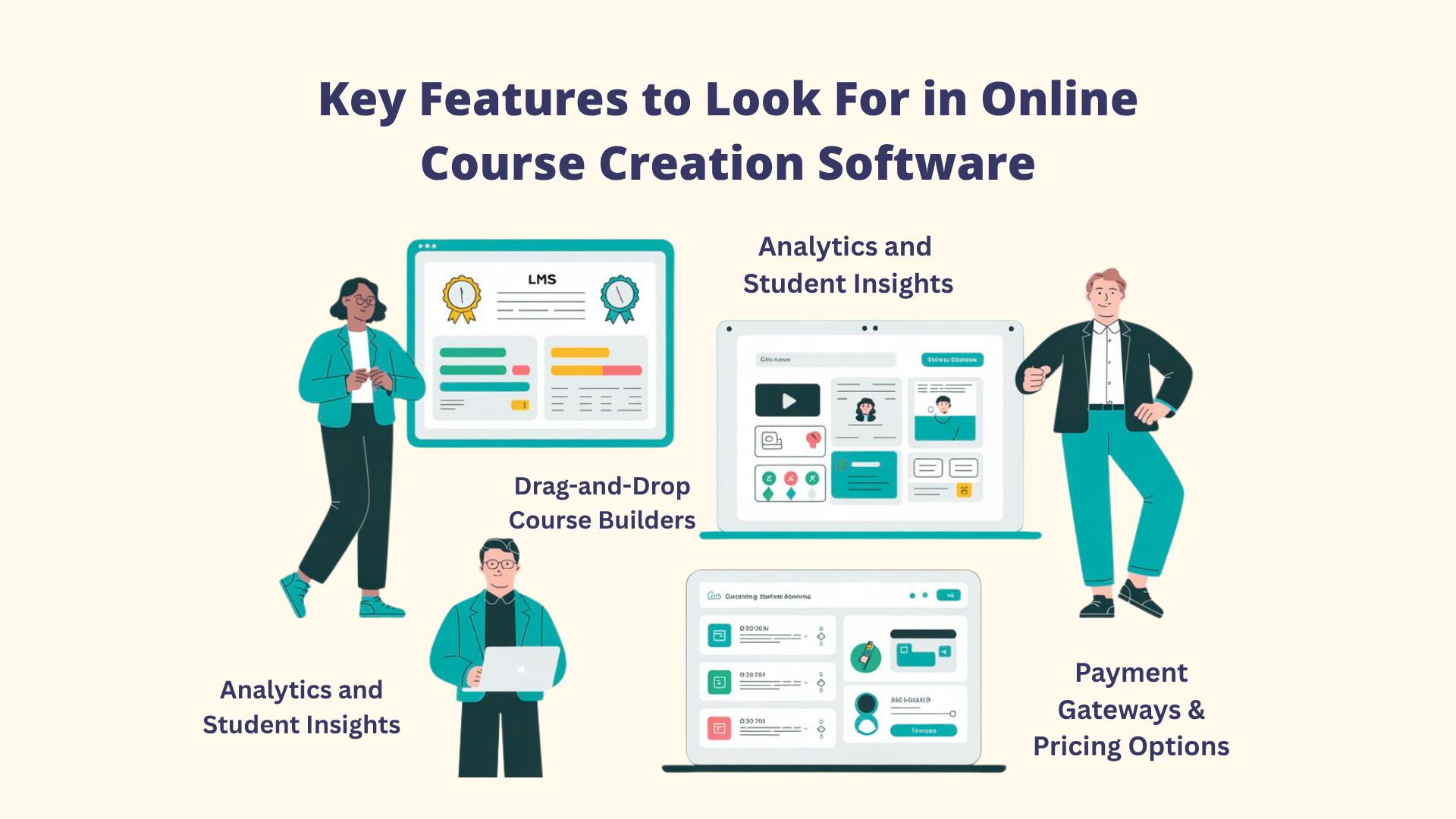
1. Drag-and-Drop Course Builders
Top online course creation software offers intuitive drag-and-drop editors that allow you to structure lessons, upload videos, add PDFs, embed multimedia, and organize modules all without coding.
Flexibility matters. You should be able to design your course around how your students learn best.
2. Payment Gateways & Pricing Options
Secure and flexible payment processing is essential. Leading platforms integrate with Stripe, PayPal, and other major gateways to ensure smooth transactions. Beyond one-time payments, look for features such as Subscriptions, plans, discount codes, and coupons.
3. Marketing & Sales Tools
A course alone doesn’t drive revenue. You also need systems to attract and convert students. Key features to look for include:
- Email automation and nurture sequences
- Sales funnel and landing page builders
- Affiliate management programs
- Webinar integrations
Strong marketing tools can significantly increase conversions and maximize revenue without relying on multiple third-party platforms.
4. Analytics and Student Insights
Data helps you make smarter decisions. Robust analytics show:
- Which lessons do students complete
- Where drop-offs occur
- Revenue trends over time
- Which marketing channels convert best
Some platforms, like CourseFunnel and LearnWorlds, offer advanced reporting dashboards, while others provide only basic analytics. Choose a system that gives you actionable insights, not just surface-level numbers.
7 Greatest Online Course Creation Software to Build and Sell Courses
1. CourseFunnels
About this tool

Turning visitors into students is the sole goal of CourseFunnels, a self-hosted, all-in-one online learning platform that excels at building high-converting funnels.
Unlike many platforms that treat marketing as an extra feature, CourseFunnels places sales and lead generation at the center of everything.
Essential Elements
✔ Self-hosted (works with PHP-compatible hosting)
✔ Simple drag-and-drop builder
✔ Multimedia lessons (videos, quizzes, PDFs)
✔ Built-in email automation
✔ Create and manage multiple courses on one domain.
Best For
📍 Coaches and consultants
📍 Solopreneurs and digital marketers
📍 Funnel-focused course creators
📍 Budget-conscious creators who want marketing tools included
2. Thinkific
About this tool

Many people consider Thinkific to be one of the greatest all-in-one platforms for those who create online courses. It strikes a balance between robust business features, a professional student experience, and potent course-building tools.
With a free plan available and no transaction fees on paid plans, Thinkific remains a top benchmark in the industry.
Essential Elements
✔ Unlimited video & file hosting
✔ Quizzes, surveys & assignments
✔ Integrated checkout with upsells
✔ Advanced integrations (Mailchimp, ConvertKit)
✔ Detailed student & revenue analytics
✔ SSL, custom domain & full branding
Best For
📍 Independent course creators
📍 Educators launching digital programs
📍 Growing course businesses
3. Teachable
About this tool

One of the simplest ways to create an online course is with Teachable. With a clean interface and AI-powered curriculum tools, it’s ideal for launching your first course without technical overwhelm, focusing on a clean, distraction-free student experience.
Essential Elements
✔ AI curriculum & quiz builder
✔ Auto subtitles (70+ languages)
✔ Digital downloads & bundles
✔ Built-in payment processing
✔ Automatic tax & EU VAT handling
Best For
📍 Creators seeking minimal technical complexity
📍 Coaches launching digital programs
📍 Educators wanting a fast setup
4. LearnWorlds
About this tool

LearnWorlds is designed for creators who want premium, highly interactive learning experiences, not just video hosting. With advanced engagement tools and corporate-level compatibility, it’s a strong choice for academies, training businesses, and high-ticket educators.
Essential Elements
✔ White-label mobile apps (higher plans)
✔ Website builder with blog & SEO tools
✔ Coupons & affiliate management
✔ Built-in ebook creator
✔ Social learning & discussions
Best For
📍 Online academies
📍 High-ticket course creators
📍 Corporate learning teams
5. Mighty Networks
About this tool

The foundational principle of Mighty Networks is community first, followed by course. Instead of selling lessons as separate products, it combines structured learning with an active member space. Students can interact, share ideas, and grow together.
This makes it a strong choice for cohort-based programs and transformation-focused learning.
Essential Elements
✔ Live streaming & Zoom integration
✔ Branded mobile app (Mighty Pro)
✔ Memberships & tiered subscriptions
✔ Engagement & retention analytics
✔ Built-in community (feeds, groups, profiles, messaging)
Best for
📍 Coaches & mentors
📍 Community-led educators
📍 Creators focused on engagement.
6. iSpring Suite
About this tool

One of the best eLearning authoring tools is iSpring Suite, which is integrated right into Microsoft PowerPoint. It allows teams to convert existing presentations into SCORM-compliant, interactive courses.
It’s widely used by corporate L&D teams, HR departments, and instructional designers who need structured training content fast.
Essential Elements
✔ Branching role-play simulations
✔ Quiz builder (14 question types)
✔ Screen recording & software simulations
✔ Audio/video narration tools
✔ PowerPoint add-in for course creation
Best For
📍 Corporate L&D teams
📍 HR departments and Instructional designers
📍 Enterprises using Microsoft Office
7. LearnDash
About this tool

For WordPress users who desire complete control, LearnDash is a potent LMS plugin. This online course creation software is trusted by universities and large organizations because of its flexibility and strong learning features.
Unlike many hosted platforms, you don’t pay ongoing SaaS fees. You manage everything directly on your own WordPress site from design to student data.
Essential Elements
✔ Multi-level course structure
✔ Advanced quizzes with timers
✔ Drip lessons & prerequisites
✔ Custom certificates & badges
✔ BuddyBoss & automation integrations
Best For
📍 WordPress website owners
📍 Online academies and universities
📍 Corporate training teams
4 Things to Look for in the Right Online Course Creation Software

Instead of looking at too many features, focus on what truly matters saving time, improving student experience, and increasing your sales. Here are five important things to check:
1. AI Course Builders
The time it takes to create a course can be significantly decreased by using the appropriate online course creation software. Look for resources that can assist with:
🔺 Generate course outlines
🔺 Create lessons from prompts or documents
🔺 Auto-build quizzes
🔺 Write video scripts
🔺 Suggest learning paths
Rather than starting from scratch, AI provides you with a ready-made structure in minutes.
2. Mobile Experience
If your course does not work well on mobile, completion rates drop. A smooth mobile experience keeps students engaged. Look for:
🔺 Native iOS & Android apps
🔺 Offline viewing
🔺 Push notifications
🔺 Mobile-optimized interface
3. Marketing Tools: The Growth Engine
To make consistent revenue, you need integrated marketing tools for online courses because even the best courses won't sell on their own. Choose an online course creation platform that offers:
🔺 Email automation & sequences
🔺 Upsells & order bumps
🔺 Coupons & promo pricing
🔺 High-converting landing pages
Focusing on split testing and marketing-first features at a reduced cost with CourseFunnels' help.
4. Pricing Structure: Protect Your Margins
Hidden fees can eat into profits, and before choosing a platform, check:
🔺 Monthly or annual subscription cost
🔺 Payment processing fees (Stripe/PayPal)
🔺 Upgrade costs as you scale
Furthermore, self-hosted models such as CourseFunnels avoid recurring SaaS fees, whereas some platforms charge 5-10% per sale on lower-tier plans.
Conclusion
There is no “perfect” platform. The right platform depends on your current stage and goals.
For founders, this decision directly impacts how fast you can launch, test, and scale your course revenue.
If your focus is on marketing and conversions, CourseFunnels is a strong option, especially for built-in automation and A/B testing without high recurring costs.
If you already use WordPress and want full control, LearnDash with BuddyBoss gives you flexibility and deep customization.
Don't allow "feature fatigue" to influence your choice. Every online course creation software on this list has trade-offs, so there is no such thing as the ideal platform.
Choose a tool, launch your course, and refine as you grow. Execution matters more than waiting for the perfect setup.
FAQs about Online Course Creation Software
Q: What is the best online course creation software overall?
A: Thinkific is widely regarded as the all-around best for independent course creators, and a tool like Cloudfunnels is the best choice if you want to run your entire business, including courses, email marketing, funnels, and community, from a single platform.
Q: How do course platforms and learning management systems differ?
A: A course platform (like Teachable or Thinkific) is designed primarily for public-facing course sales to external learners, with emphasis on marketing and e-commerce. An LMS (Learning Management System) like iSpring Suite or LearnDash is designed for structured education.
Q: What online course creation platform has the lowest transaction fees?
A: CourseFunnels, Kajabi, Mighty Networks, and Podia all charge zero transaction fees on their paid plans.
Q: Is it suitable for novices to use CourseFunnels?
A: CourseFunnels has a user-friendly interface designed for both beginners and experts, and it does not require coding. If you want powerful marketing tools from day one, CourseFunnels offers excellent value.